
Windows 11 on a PC judged incompatible: how our workshop does it
Yes, a PC that Windows declares incompatible (processor or TPM chip) can sometimes still move to Windows 11. Our workshop does it in Saint-Nazaire and Rennes with a USB stick prepared with Rufus, in 1 to 2 hours. Microsoft does not recommend it and guarantees neither updates nor support on these PCs.
Why Windows says your PC is not compatible
Windows 11 requires a recent processor and a TPM 2.0 security chip. When either is missing, Microsoft's tool says the PC is not compatible and the upgrade stops. On the PCs we have handled, the cause was always the same: the TPM or the processor. You can check your own case with our compatibility checker and Microsoft's official list.
What we do in the workshop
We prepare an installation USB stick with Rufus, free software for creating bootable USB sticks. Then we migrate the PC with a little patience: the job takes 1 to 2 hours. When the PC still has a mechanical hard drive, we sometimes add an SSD, which makes it much faster. We have done it on Asus and HP machines, for customers in Saint-Nazaire and Rennes who often thought the migration was impossible.
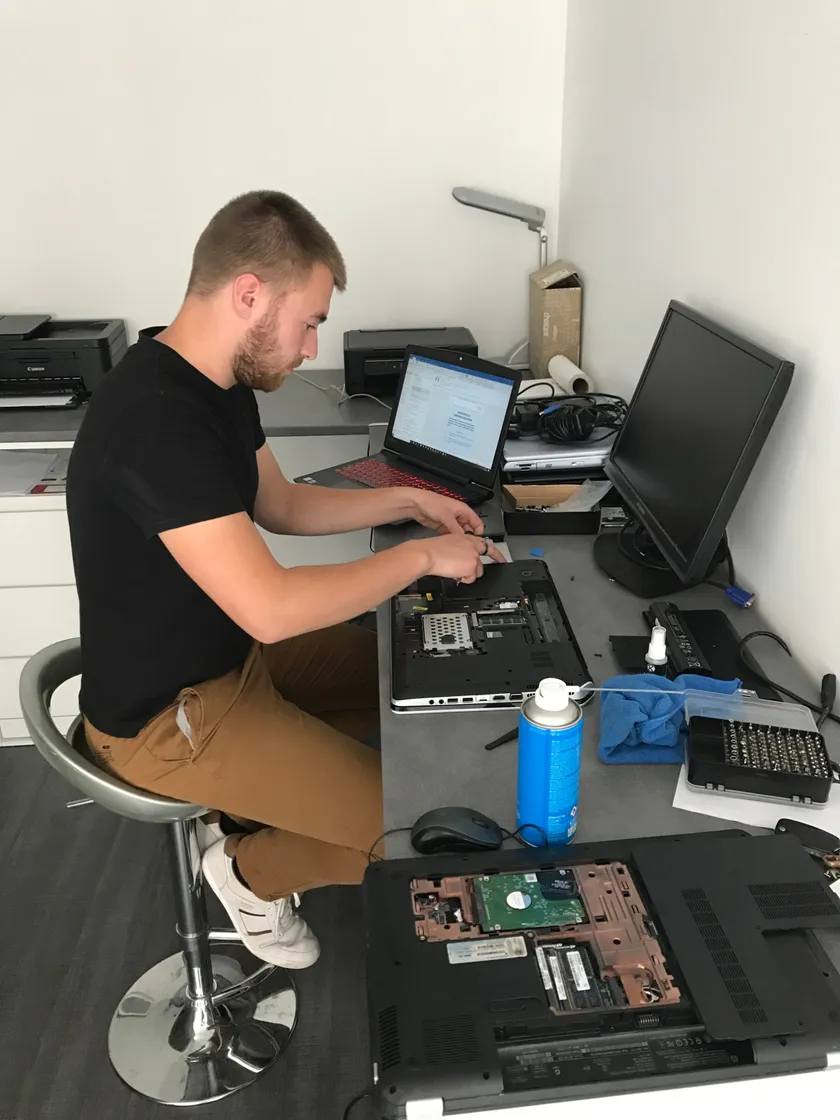
An example: Mr Denis
Mr Denis had an Asus PC that Windows declared incompatible: the migration was refused. We prepared the stick, moved the PC to Windows 11, and it has run without problems since. The other PCs we migrated this way are also stable to date.
Mr Bertrand
Mr Bertrand had an HP PC that Windows reported as incompatible. Thanks to our migration service, it moved to Windows 11: a USB key created with Rufus and Microsoft’s media creation tool, a Windows licence, then a dust-out of the PC. Mr Bertrand was delighted.

Want to create the key yourself? Our step-by-step guide covers Windows 11 Home and Professional.
What Microsoft says about non-compatible PCs
Microsoft advises against this installation, and you should know why before deciding:
- the PC is no longer supported by Microsoft;
- updates, including security updates, are not guaranteed;
- a watermark appears on the desktop and a notice is shown in Settings;
- damage caused by the incompatibility is not covered by the manufacturer's warranty;
- if there is a problem, Microsoft recommends going back to Windows 10, possible for 10 days after the upgrade (Settings › System › Recovery).
Our experience is not a guarantee: it shows that it works on the PCs we have handled, not that it will work on yours or that no future update will cause a problem.
Which option should you choose?
| Your situation | Option |
|---|---|
| PC compatible | Normal upgrade to Windows 11, see upgrading from Windows 10 to Windows 11 |
| Non-compatible PC, you want to stay within Microsoft's framework | ESU until 12 October 2027 for an individual, then replace the PC: Windows 10 ESU guide |
| Non-compatible PC, you accept the risk | Workshop migration, with a backup of your files beforehand |
Before any migration, back up your files. If you prefer to create the key yourself, follow our Rufus guide for unsupported PCs or, for a compatible PC, install Windows 11 from a USB key. For a fleet of PCs, see the business page.